01 · Enter your windows
Start with the hours your teams actually use.
The Chicago and London 9–5 settings are examples only. Change the date, time zones, days, and hours before using the result for a real routing decision.
Your seven-day view
Where a human handoff window meets each market
Hours are counted in 30-minute UTC slots and grouped by date in the handoff team's time zone. Local daylight-saving changes may add or remove slots. These are entered schedules, not actual call volume or coverage.
03 · Write the fallback
Define what happens outside the human window.
How it works
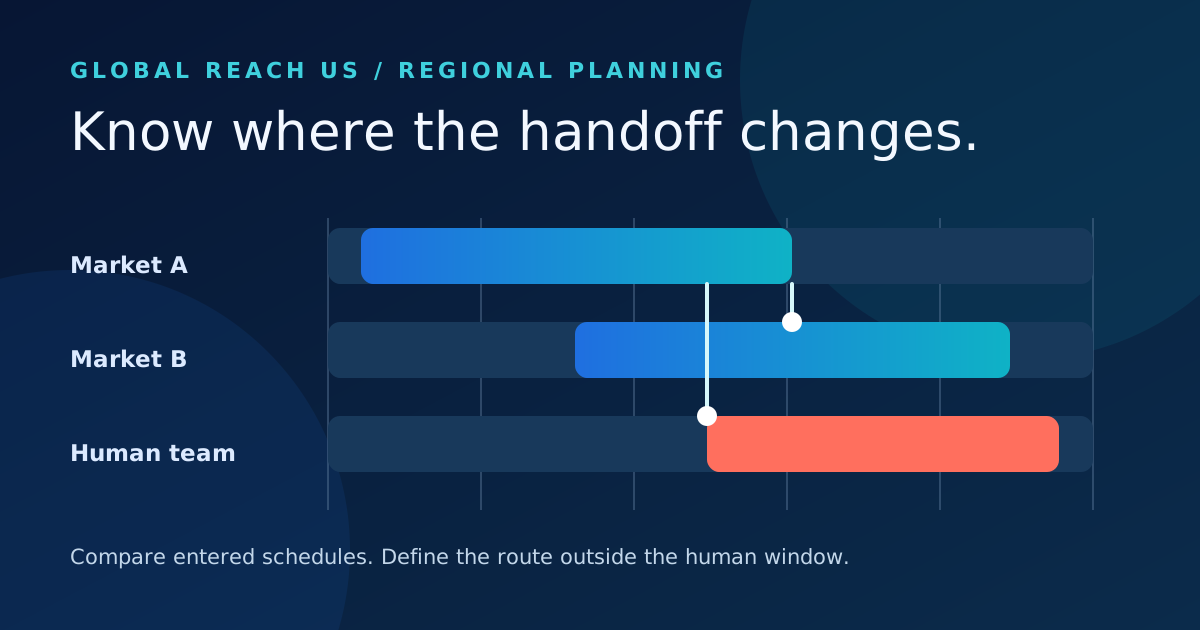
A comparison of entered local schedules.
What is counted
For seven dates in the handoff team's time zone, each 30-minute UTC slot is converted into every selected market's local date and time. The planner counts slots inside that market's chosen business window, then counts which of those also fall inside the team's stated human window.
What stays unknown
This cannot verify who is actually on call, which languages they speak, whether an inbound agent supports a market, or whether a transfer is allowed. A gap is a prompt to define an answer, intake, escalation, or follow-up route—not a claim that a caller was lost.
One clear next step for every market
Discuss a regional call-routing plan.
Bring the windows, languages, exception rules, and human owners your business has confirmed. We can map an inbound path around those decisions without assuming coverage that has not been configured.
Put your plan in context
Read a related guide and a worked example →
Review your assumptions with the people who own the next step before configuring a live flow.